 AmberSight
Your cameras. Your computer. AI that tells you what matters.
AmberSight records your security cameras on your own PC, Mac, Linux box or NAS, spots people, cars, animals and packages with AI on your own graphics card, and sends you the alerts worth seeing. No cloud account. No subscription.
Get the apps
Install the server once on a computer that stays on, then watch from your phone, tablet or TV.
AmberSight server
Records your cameras and runs the AI. Opens in any browser at http://<computer>:8090.
Android
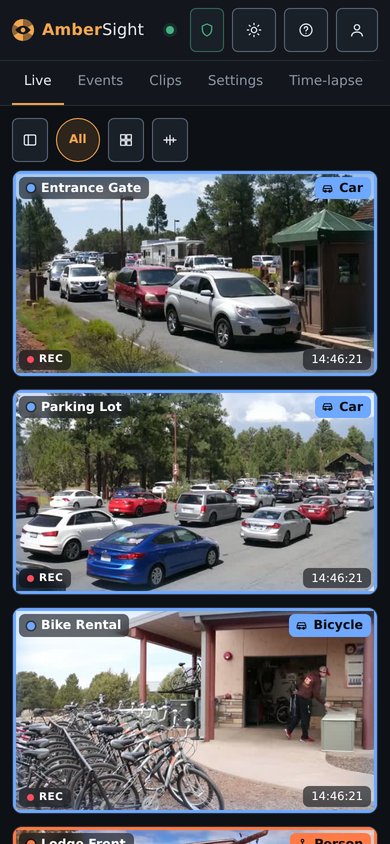
Live view, timeline, events and alerts straight from your server, with no cloud relay. Phones and tablets.
To join the test: 1. join the testers group with your Google account. 2. Opt in on Google Play and install.
iPhone and iPad
The same app on iPhone and iPad. Install Apple's TestFlight app first, then open the link.
TVs and wall displays
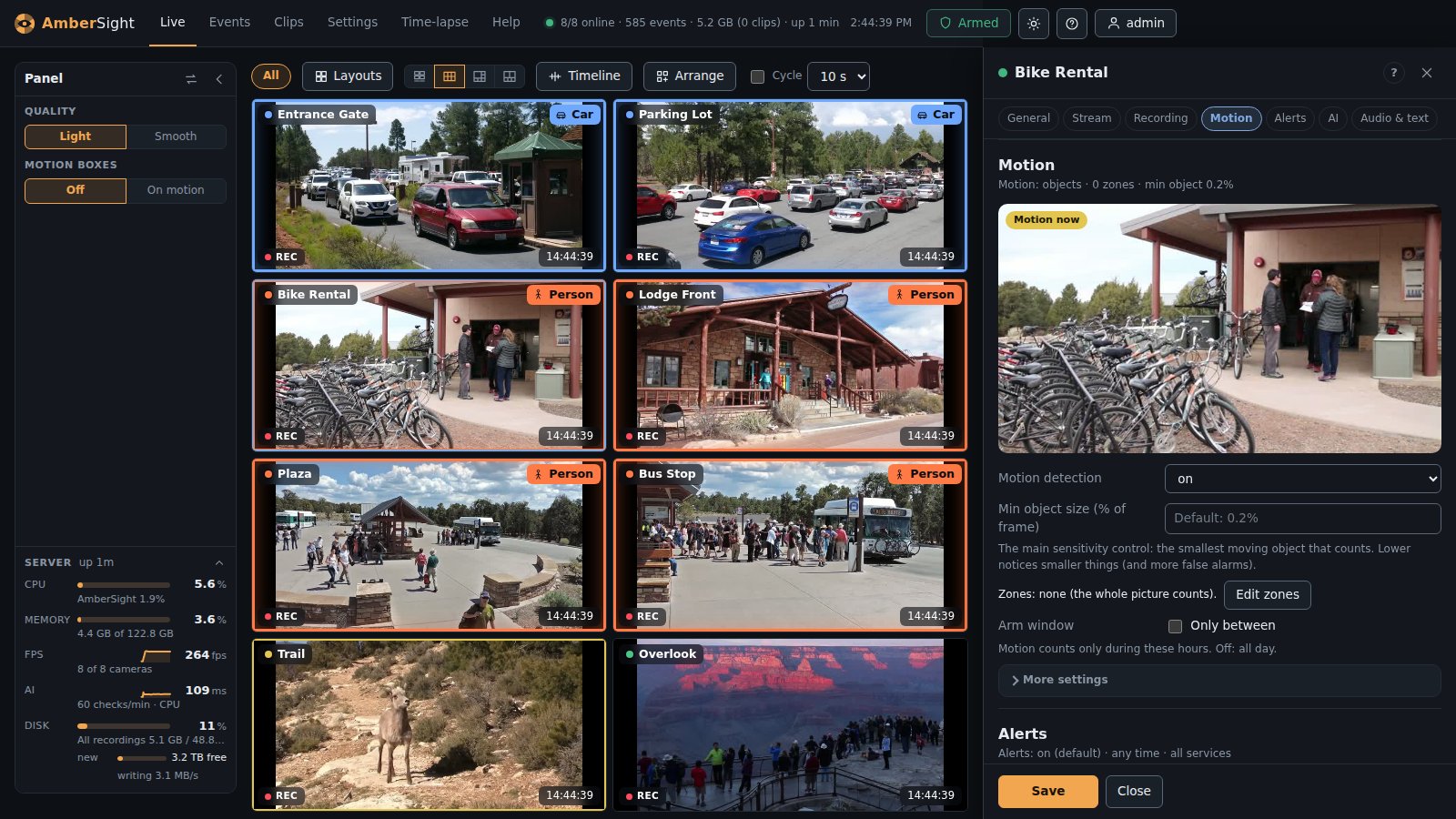
Any browser works today in Display mode: a wall of cameras where the one with an alert goes big. Fire TV and Samsung TV apps are planned.
What it does best
Built for people who want real NVR features without handing their video to someone else.
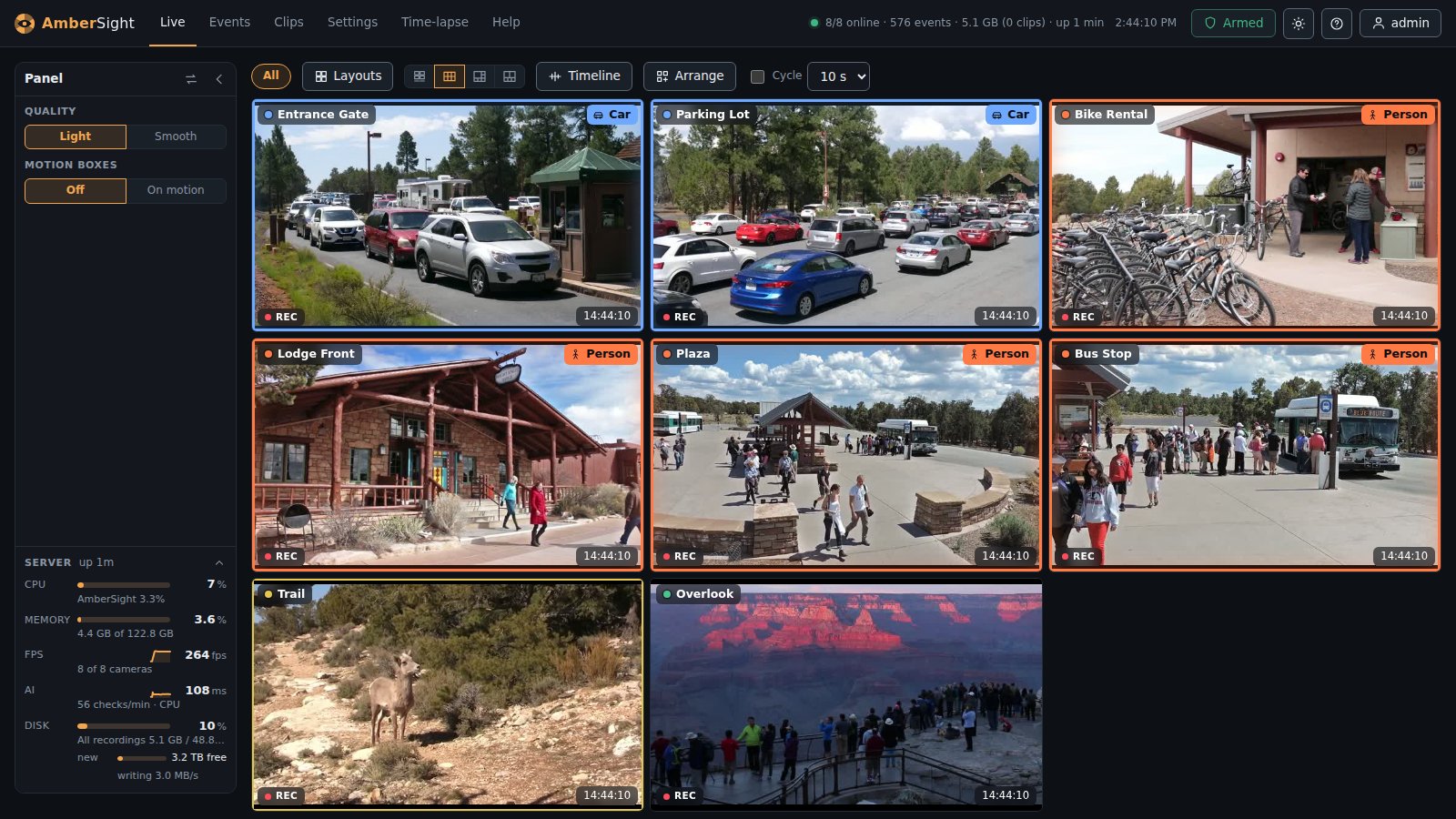
AI that cuts the false alarms
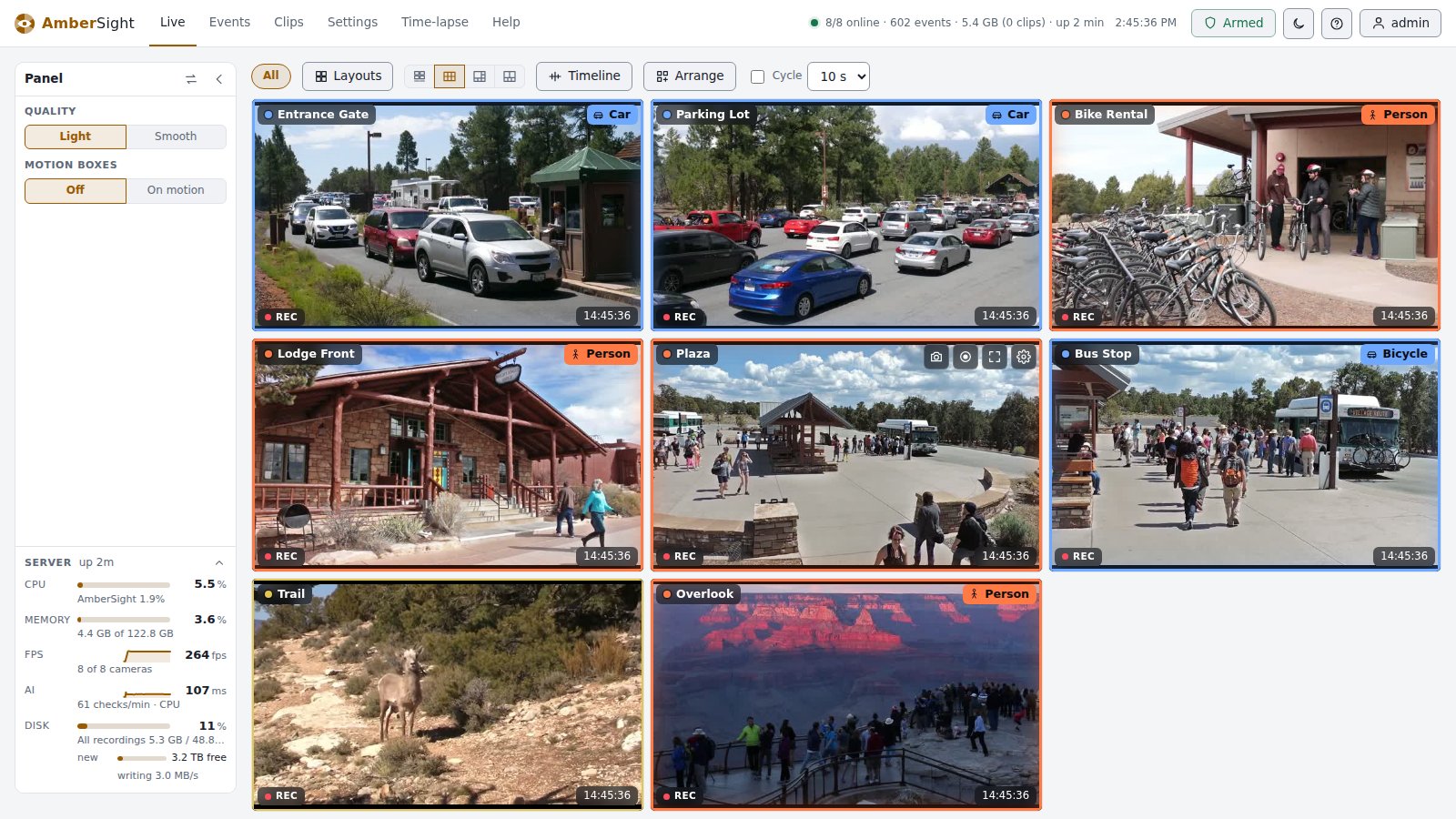
Motion starts an event; AI decides whether it's worth your attention.
- People, vehicles, animals and packages, on your own graphics card or processor
- Learns the bush or bin it keeps mistaking for a person and stops alerting for it
- Ignores parked cars; AI review says why an event did or didn't alert
- Search by description ("white truck", "person with a dog"), faces and plates
A timeline you can actually scrub
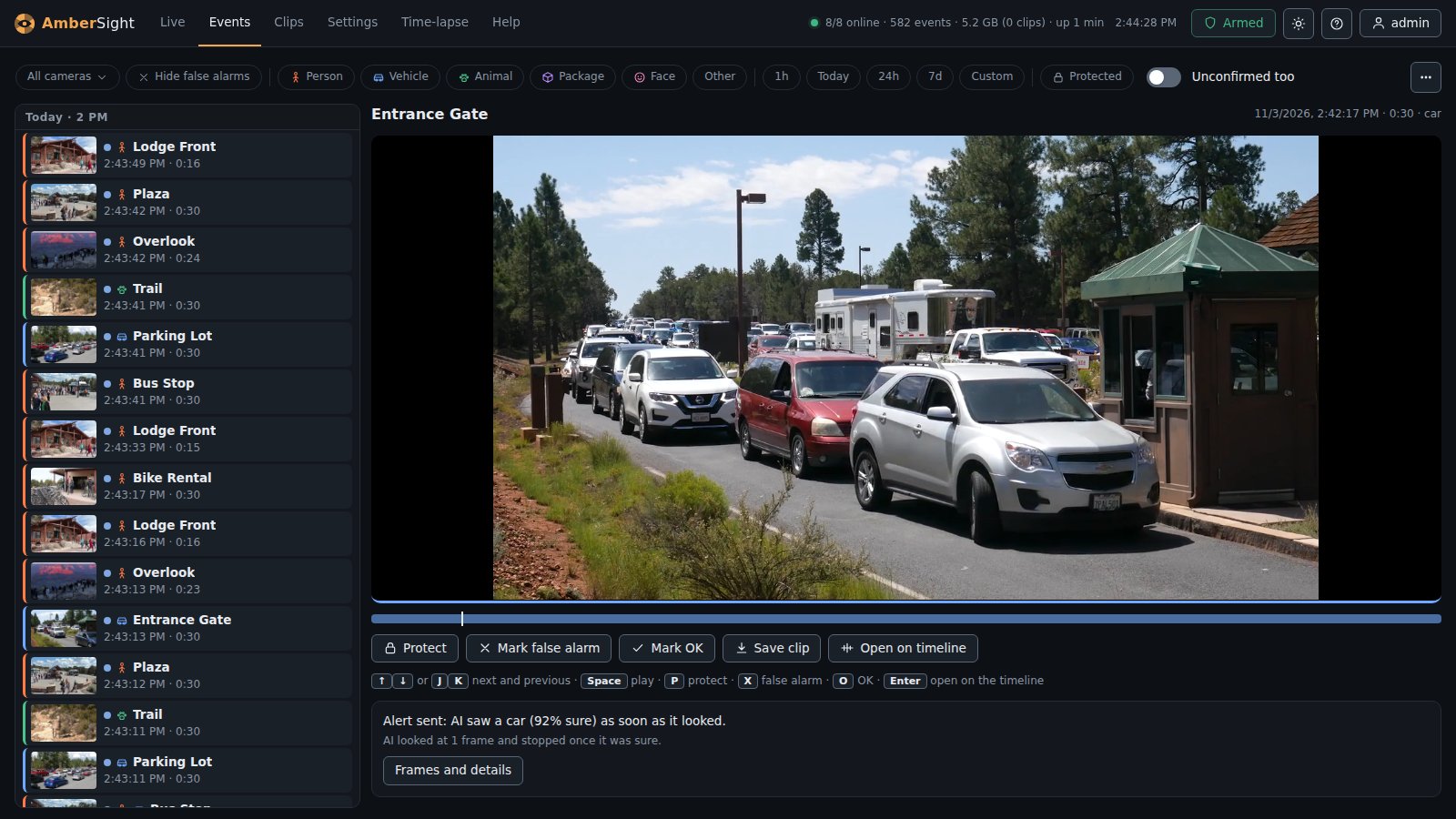
Every camera in sync, alert markers by kind, a sharp picture as you drag.
- Fast and reverse playback, bookmarks with notes
- Mark a range and export a clip in seconds
- Gaps filled from a Reolink camera's memory card after a Wi-Fi drop
Set up from the browser
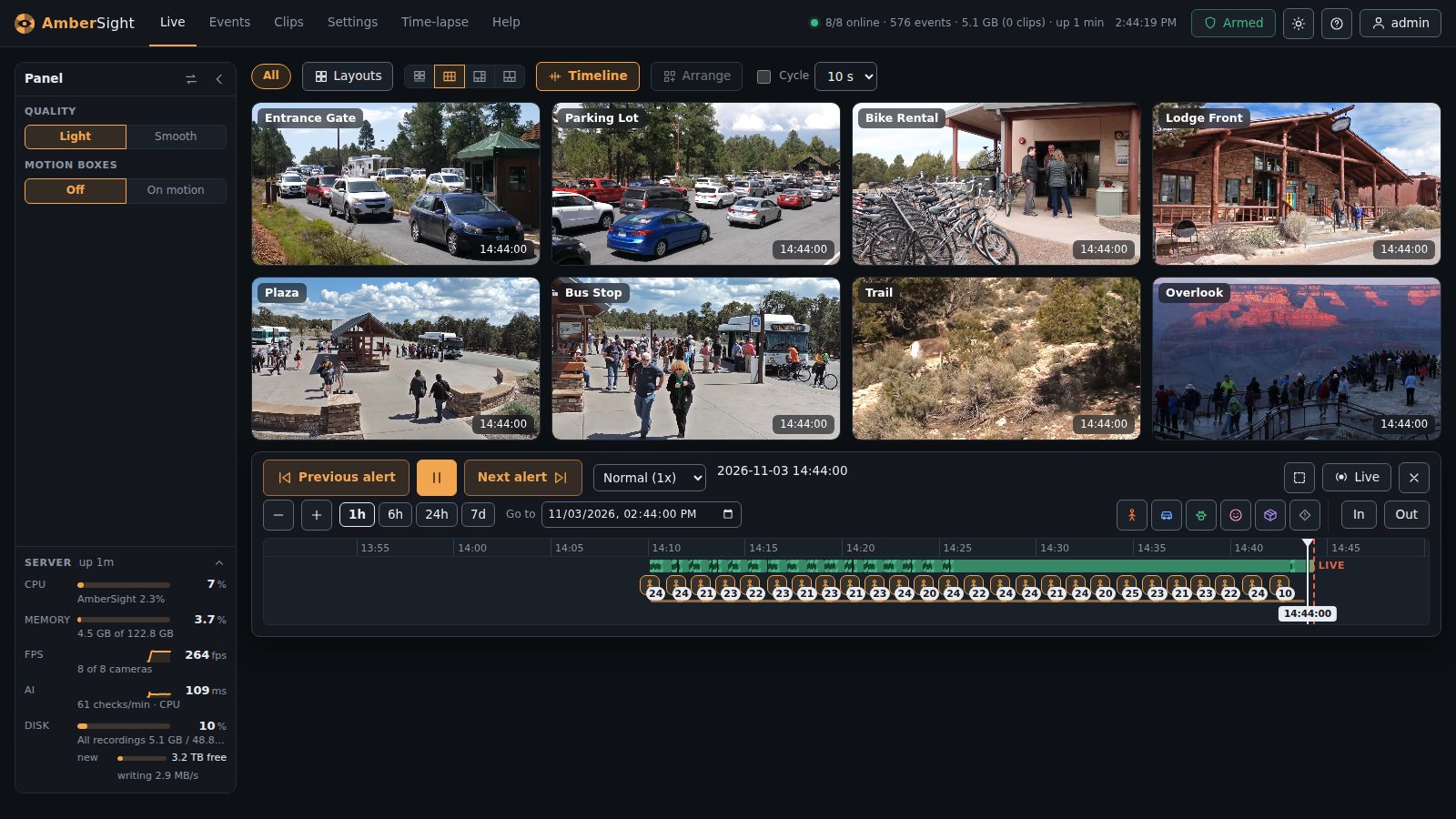
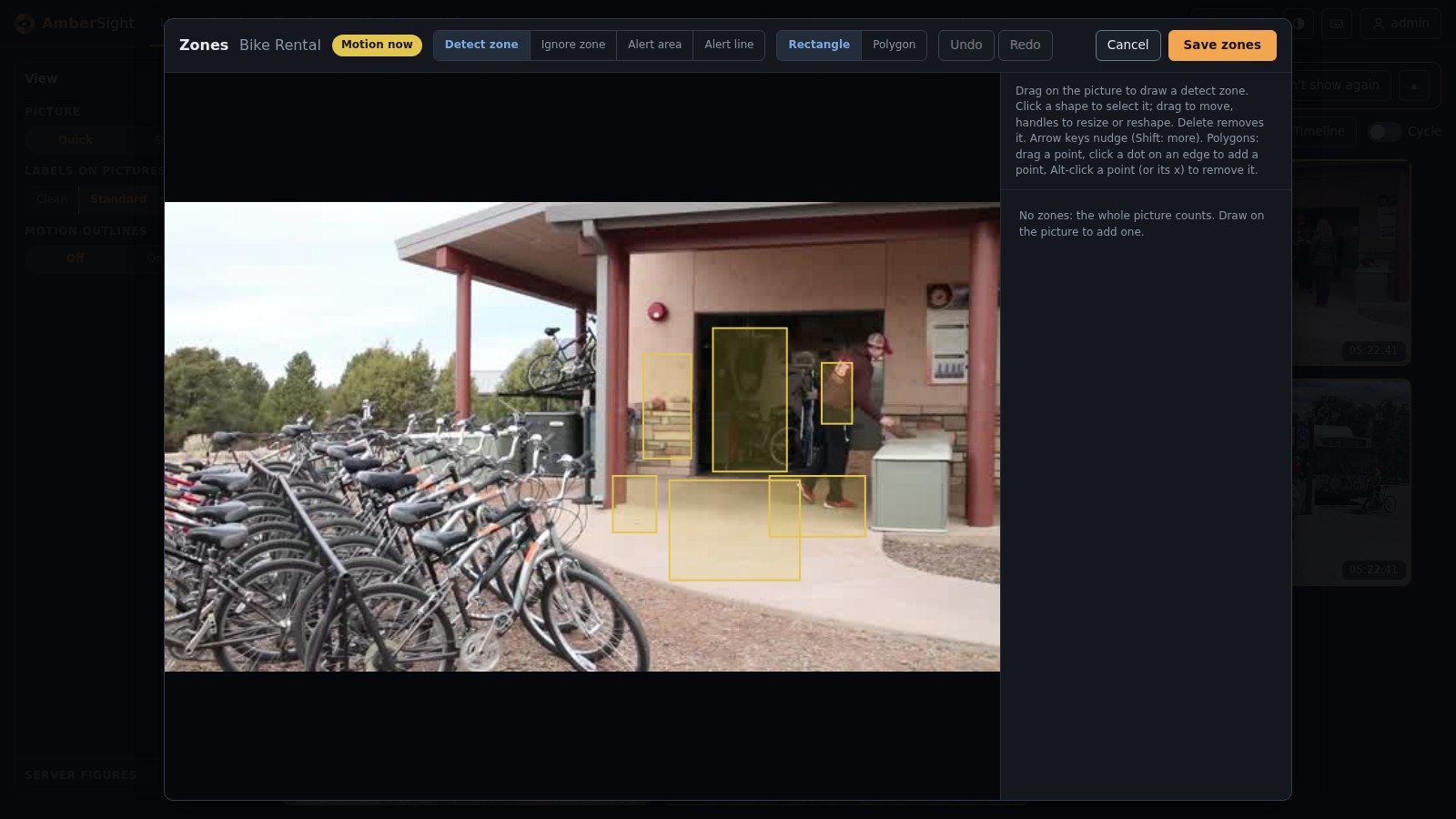
Find cameras on your network, sign in once, draw zones on a live picture.
- ONVIF discovery and a brand list for the stream paths
- Reolink battery cameras without a hub
- PTZ, two-way talk, spotlight and siren controls
And a lot more
Alerts your way
Phone notifications, ntfy, Pushover, Telegram, email, webhooks and MQTT. Rate limits and quiet hours so you're not spammed.
Apple Home and Home Assistant
Cameras in the Home app with live video and motion. Home Assistant sensors, snapshots and buttons through MQTT discovery.
Storage that looks after itself
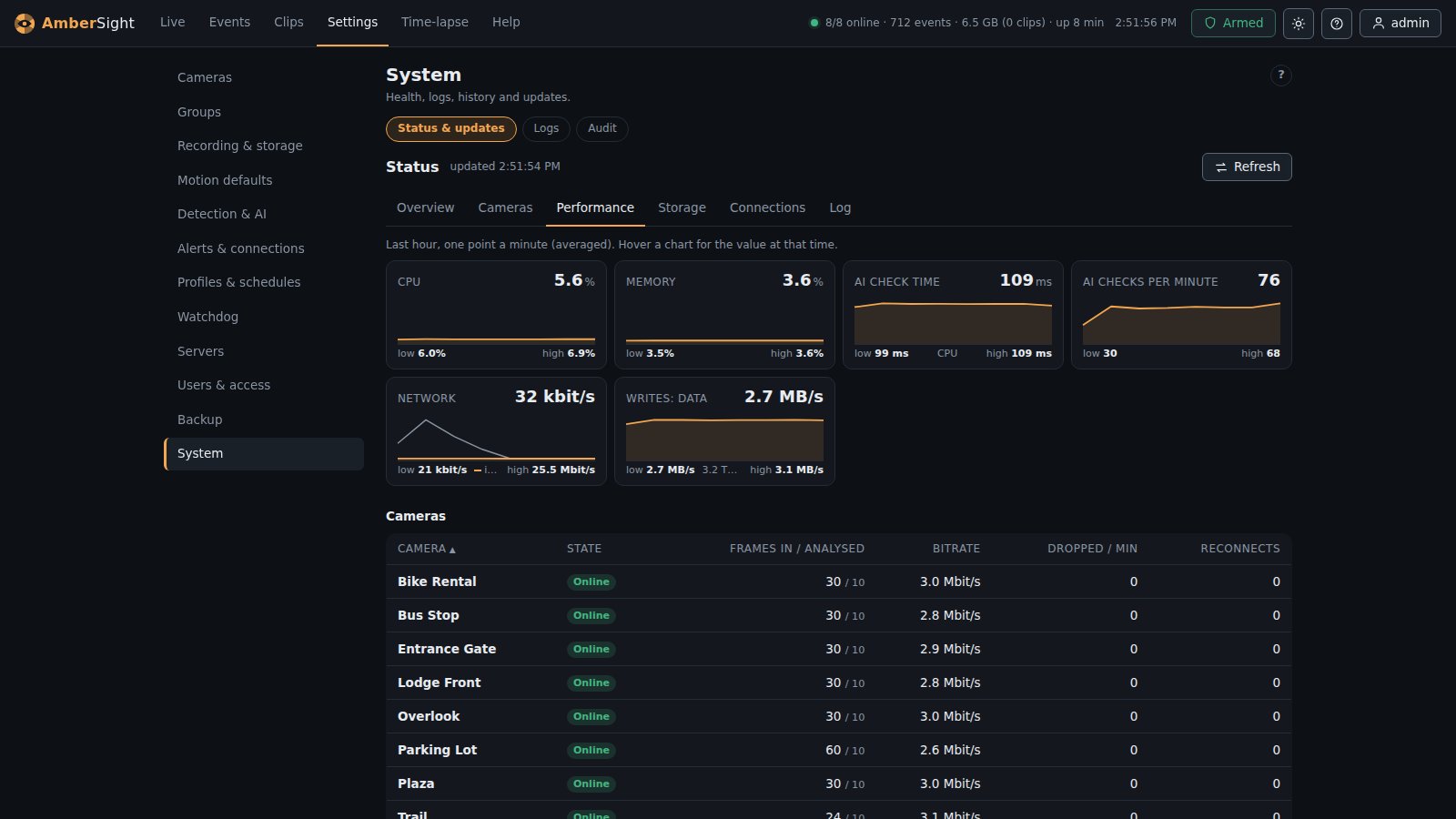
Uses what the drive can spare, keeps footage around events longest, archive tier and several drives or network shares.
Off-site copies
Encrypted backups to a folder or S3, and event clips saved to a OneDrive or Google Drive folder within minutes.
Display mode
Turns a wall TV, old tablet or spare monitor into a camera wall that runs for weeks on its own.
Users and per-camera access
Viewers, operators and admins, limited to the cameras they should see. Two-step sign-in and HTTPS built in.
Light on hardware
Written in Rust. Hardware decoding on NVIDIA, Intel and AMD; also runs on a Raspberry Pi 5.
Several sites, one screen
Link servers at home, the cabin and the shop and switch between them in one interface.
Signed one-click updates
It tells you what an update does first, checks the signature, and keeps the previous version to go back to.
Your video stays home
AmberSight runs on your computer. There's no AmberSight cloud to sign up for, and nothing to pay every month.
Screenshots
Install in a few minutes
Then open http://localhost:8090. A Getting started checklist walks you through adding cameras.
- Download
ambersight-<version>-windows-x86_64-setup.exefrom the latest release. - Run it. It installs the AmberSight service (starts at boot), a firewall rule and shortcuts.
- AmberSight opens in your browser. ffmpeg is downloaded for you if needed.
- Download the macOS
.tar.gzfrom the latest release and unpack it. - In Terminal, in that folder:
./ambersight setupAI runs on Apple silicon with Core ML. Intel Macs can use an AI server instead.
Add the signed package repository once, then install. Updates come with apt upgrade.
curl -fsSL https://huskerminion.github.io/ambersight-packages/setup.sh | sudo sh
sudo apt update && sudo apt install ambersight
Debian 13, Ubuntu 25.04 or newer, and 64-bit Raspberry Pi OS (trixie or newer).
Add RPM Fusion first, then:
curl -fsSL https://huskerminion.github.io/ambersight-packages/setup.sh | sudo sh
sudo dnf install ambersight --allowerasing
Image ghcr.io/huskerminion/ambersight:latest for amd64 and arm64; :cuda for NVIDIA, :openvino for Intel graphics.
docker run -d --name ambersight --restart unless-stopped --stop-timeout 30 --network host \
  -e TZ=America/New_York \
  -v /srv/ambersight/config:/config -v /srv/ambersight/data:/data \
  --device /dev/dri ghcr.io/huskerminion/ambersight:latest
On Unraid, search Community Applications for AmberSight. Full options in the Docker guide.
Questions
Will it work with my cameras?
Most cameras that offer RTSP or ONVIF work, including Reolink, Dahua, Amcrest, Hikvision, Tapo and many more. The camera guide lists stream paths and known problems by brand.
What computer do I need?
Anything that stays on: a desktop, a mini PC, a NAS with Docker, or a Raspberry Pi 5. A graphics card makes AI faster but isn't required.
Is it really free?
Yes, for personal and other noncommercial use (PolyForm Noncommercial license). If it's useful to you, you can buy me a coffee.
Can I see my cameras away from home?
Yes. The apps connect straight to your server. The easiest safe way is a VPN such as Tailscale; AmberSight also has HTTPS and two-step sign-in built in.
Where do I get help or report a bug?
In GitHub Discussions. Settings has a Camera report that leaves out passwords, to attach to a post.
Ready when you are
Install the server, add a camera, and get your first AI-checked alert in minutes.